Get the most important SharePoint reports in a single location.

SProbot's dashboard, detailed health check and reviews give you a easy-to-digest overview of your tenant, encompassing key metrics for storage, security, content, and activity.

Understand your storage use with detailed metrics

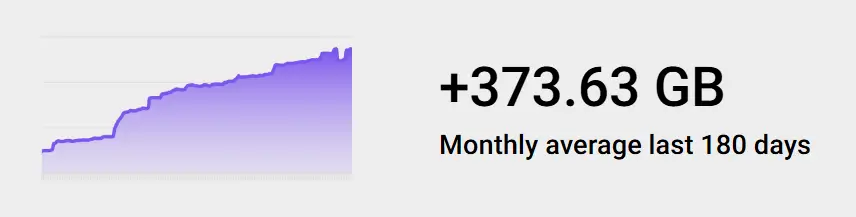
SProbot gathers daily storage data and provides detailed insights into trends, costs and savings. We help you answer the most important questions.

Icon of a green check mark

Projected storage costs

Icon of a green check mark

Average monthly growth

Icon of a green check mark

Storage consumed by largest sites and their connected channel sites

Icon of a green check mark

Fastest growing sites by size or file count

Get an overview of your sharing posture

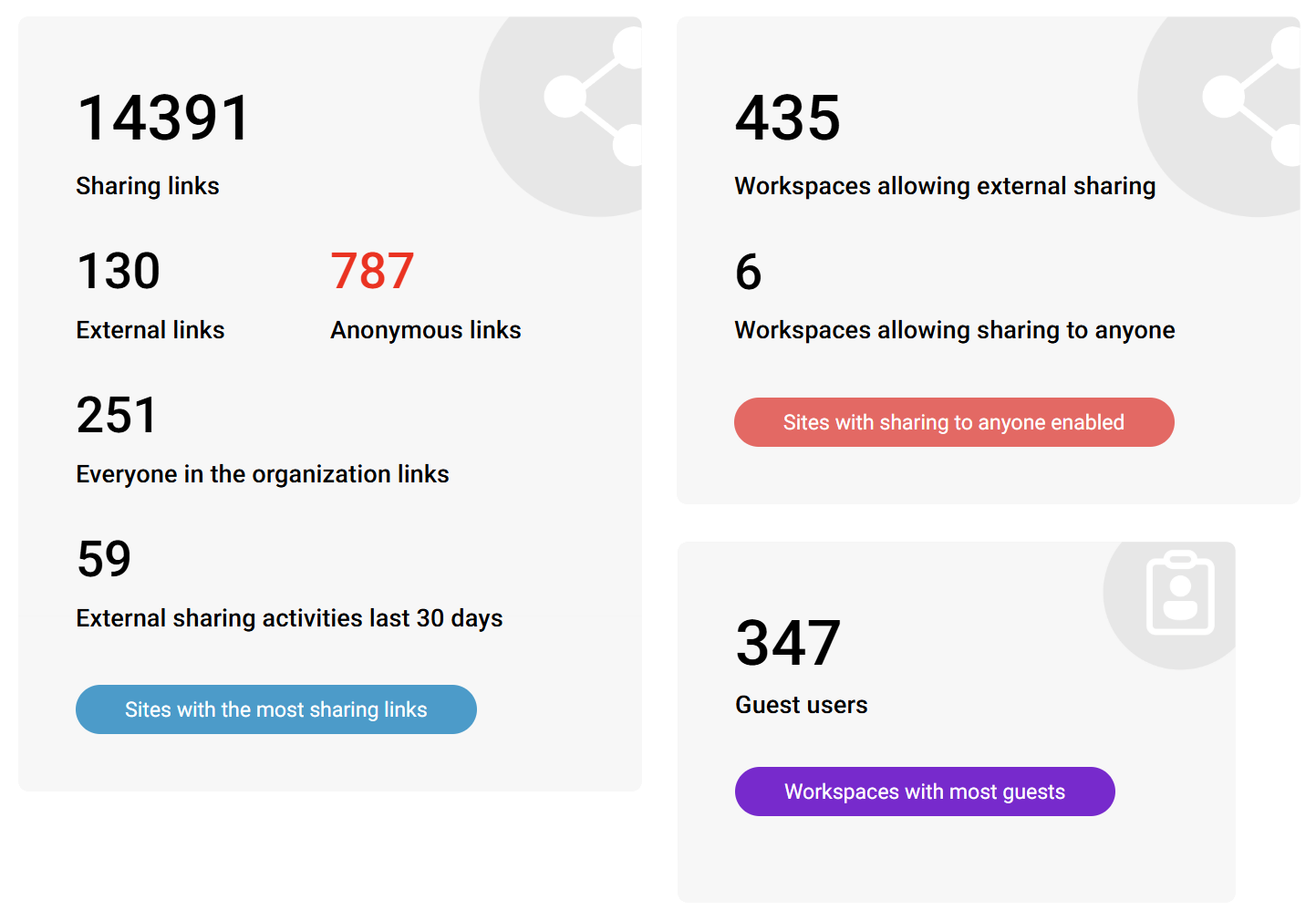
Is your content overshared? Use SProbot's security reporting to get visibility of the most important sharing metrics.

Icon of a green check mark

Risky external sharing settings

Icon of a green check mark

Sites with a high number of sharing links

Icon of a green check mark

Sites and teams with the most guests

Identify ownership issues timeously

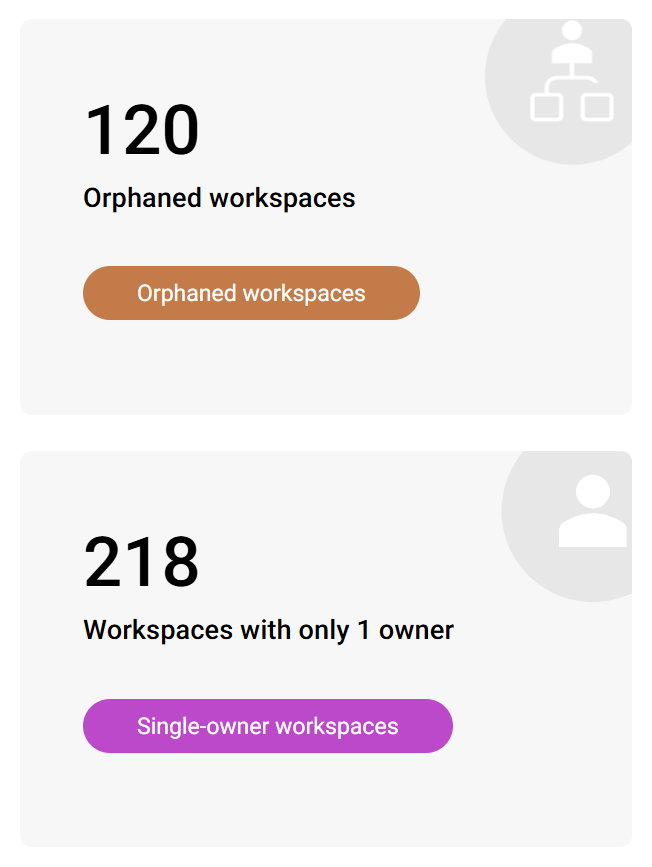
Content which isn't owned usually ends up not being managed properly. SProbot helps you identify both already-present issues and sites at risk of being unmanaged.

Icon of a green check mark

Sites and teams with no group or site ownership

Icon of a green check mark

Group-orphaned sites

Icon of a green check mark

Sites and teams with only a single owner

Discover your content composition

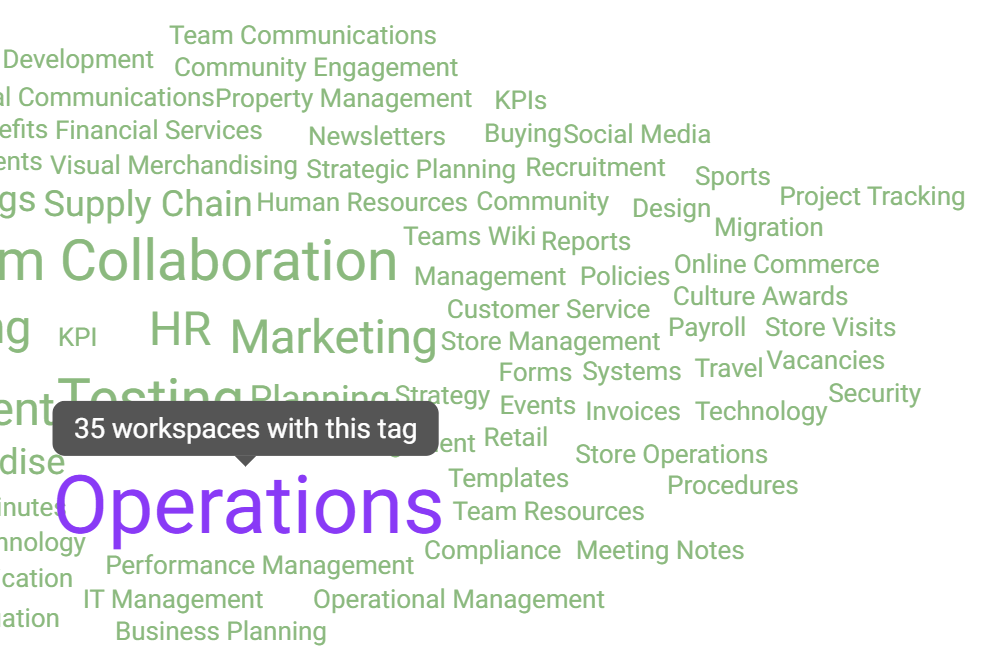
Do sites really contain what their owners say they do? SProbot's AI content assessment provides insight into content topics across thousands of sites.

Icon of a green check mark

Determine which topics are most prevalent

Icon of a green check mark

Use AI-generated site descriptions to enhance search and content discovery

Icon of a green check mark

Use topic context to inform bulk admin actions (like applying sensitivity labels to all sites containing legal content)

Track down trivial sites and teams

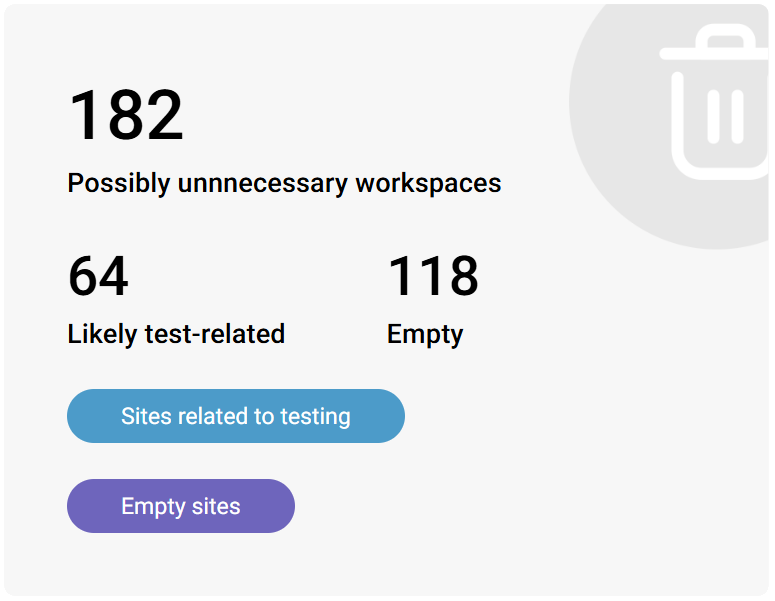
Most tenants have dozens of sites which were created for testing purposes, or for legitimate reasons but ended up never being used.

Icon of a green check mark

Identify sites which contain test or demo content

Icon of a green check mark

Find sites which do not contain any user-generated content

Pinpoint common structural anomalies

Are you aware of all the configurations which aren't necessarily ideal or might need additional attention?

Icon of a green check mark

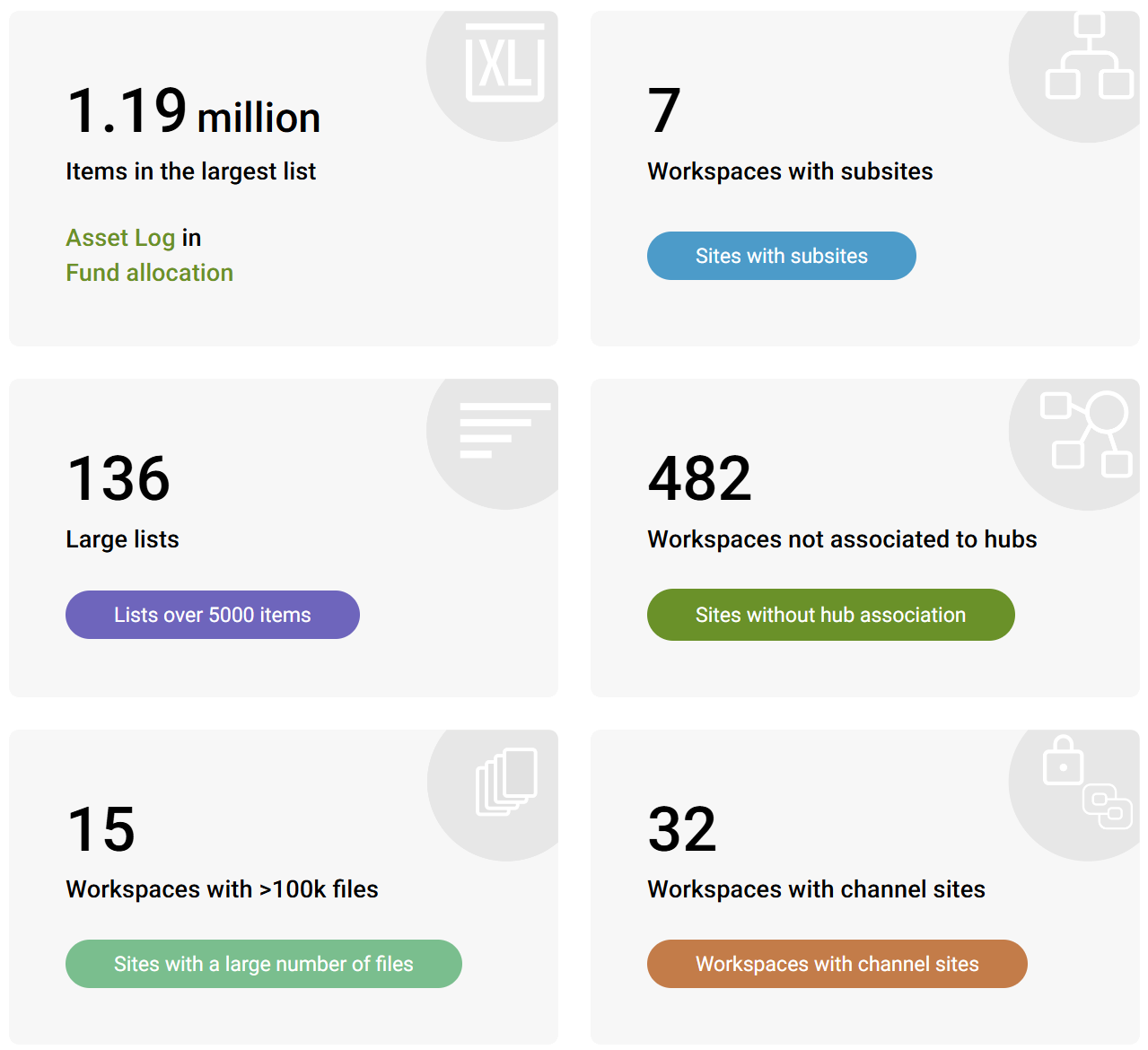
Highlight unusually large lists that may impact performance

Icon of a green check mark

Surface sites that still contain subsites

Icon of a green check mark

Have awareness of

Icon of a green check mark

Detect workspaces not linked to any hub

Icon of a green check mark

Flag workspaces with channel sites that could complicate navigation or governance

Get a bird's eye view of activity

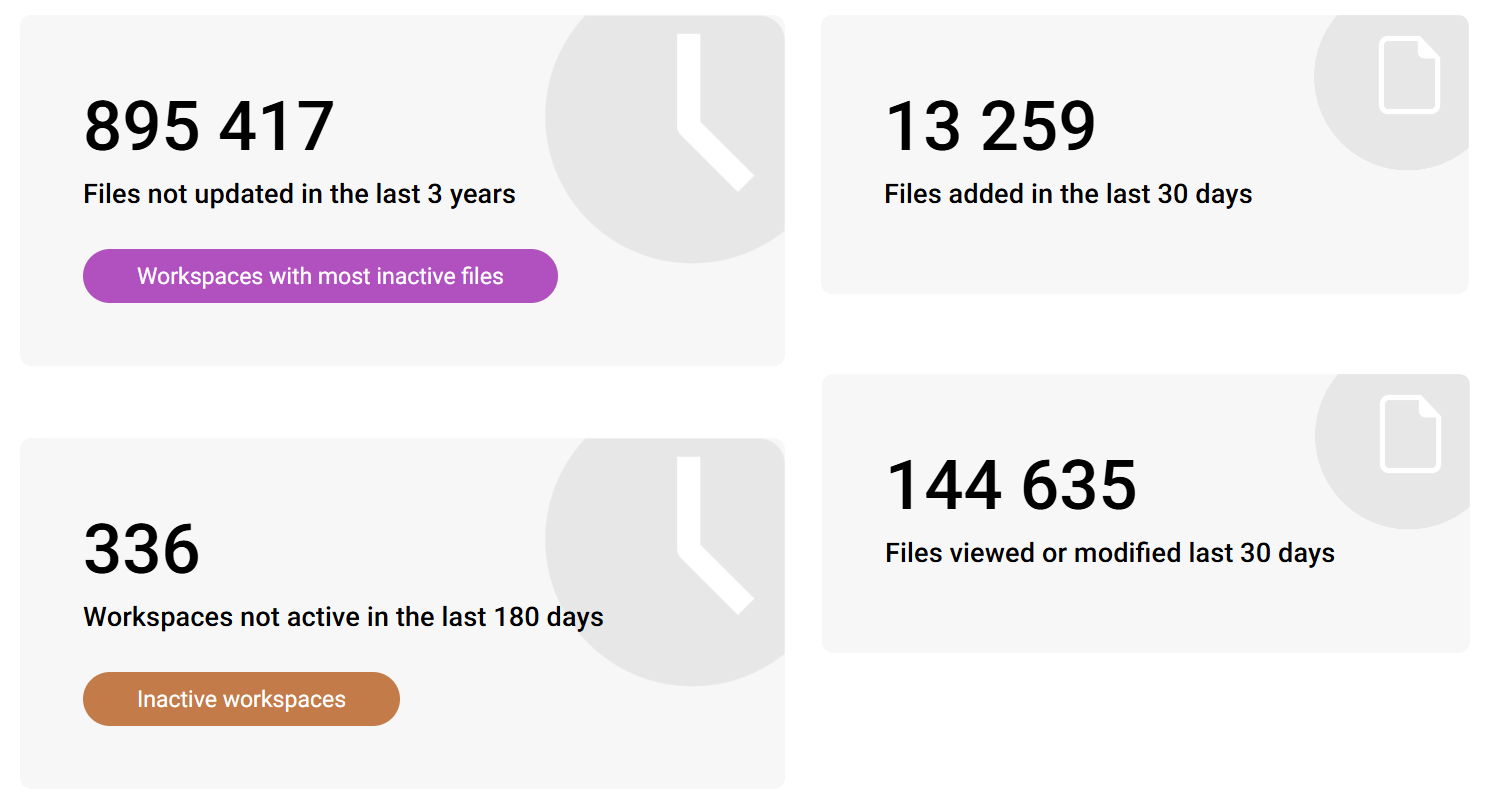
Content freshness matters to both humans and AI. SProbot can help you detect and remediate inactivity at both site and file level.

Icon of a green check mark

Quickly find inactive sites, then configure automated archival

Icon of a green check mark

Flag and review detailed reports for sites which may appear active, but have a large percentage of inactive files

Why you need to optimise your SharePoint storage and security

Because Microsoft 365 makes it so easy to create a SharePoint site or a team, people tend to create new workspaces without considering whether a suitable container already exists, what template to use if not, or what the appropriate security settings should be.

This results in uncontrolled content sprawl and a compromised security posture.

You can gain control of your tenant by using SProbot's AI-powered governance and cleanup tools to stop sprawl, reduce storage costs, and increase the security of your data.

Stop content sprawl

Audit your existing tenant content with a set of cleanup tools which target the most common unwanted, obsolete and unmanaged workspace types.

Prevent duplicate and other unnecessary workspaces from being created with clearly defined governance policies and automated provisioning.

Save time and storage

Use bulk admin actions to assign ownership, apply labels and templates, and perform other common administrative tasks.

Reduce your consumption of expensive SharePoint storage by automating the archiving of inactive sites and teams, and cleaning up unneeded versions of large files.

Increase data security

Protect sensitive content by automating the detection of user activities which can result in the unwanted exposure of confidential files to those who should not have access.

Apply restrictive measures to sites which have been flagged by AI content assessment as containing data requiring access review.

See how SProbot can help you cut operational costs

We'll show you how to save on storage, tame content sprawl, and improve security.

Get a demo