
Find the SharePoint storage you’re paying for, and reclaim it in bulk

SProbot crawls every site and calculates what you'd save by trimming versions of active large files and archiving inactive files. Then it runs the cleanup as background jobs across your tenant.

Cleanup recommendations example of $22,468 per year in storage savings available
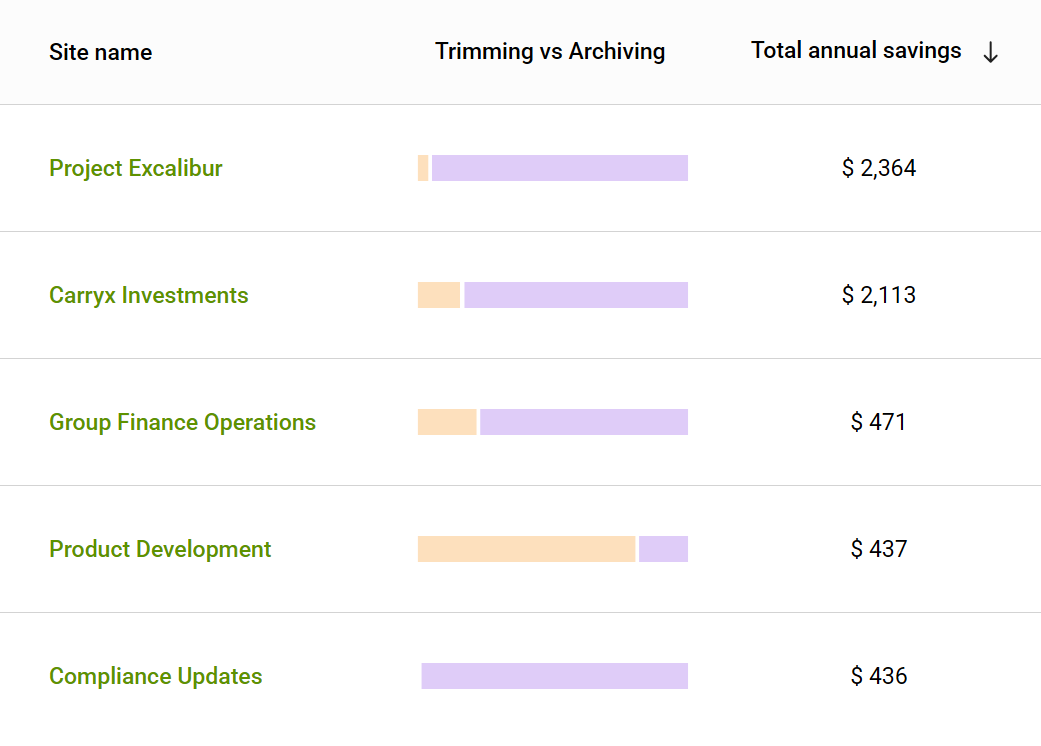
Sites with most savings listed in SProbot's cleanup recommendations

See the savings in every site

SProbot calculates what each site would save, in dollars, and ranks your sites by savings, so you know exactly where to start.

Icon of a green check mark

Savings per site, split into active large file versions and inactive files

Icon of a green check mark

Sites ranked by savings, largest first

Icon of a green check mark

A tenant-wide total of the savings available
Trim versions of active largest files in bulk

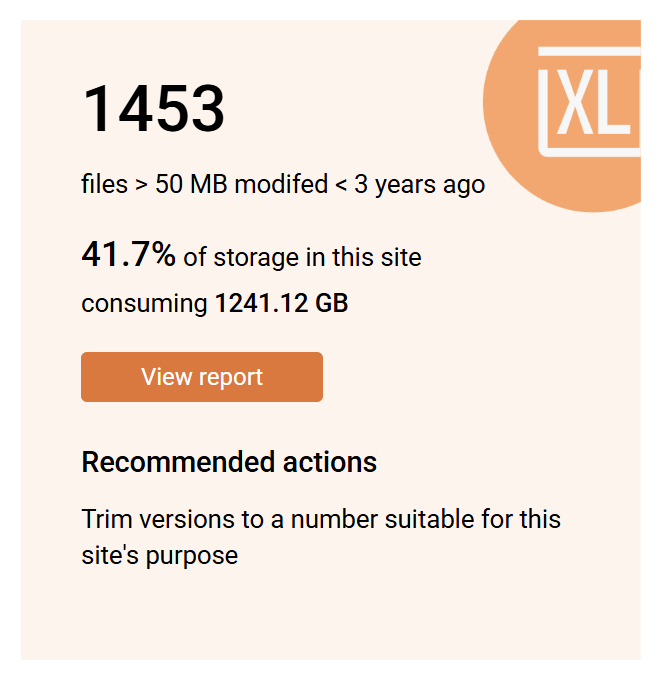
Active large files often carry dozens or hundreds of old versions, and every one counts against your storage.

Choose to keep the latest 25, 10 or 5 versions, or only the latest, then run the job across as many sites as you need. Jobs run in the background, and every action is recorded.

Every GB you reclaim saves $0.20 a month at Microsoft's extra storage price.

Large files report tile showing a count and storage consumed
Trim and archive button with a cursor
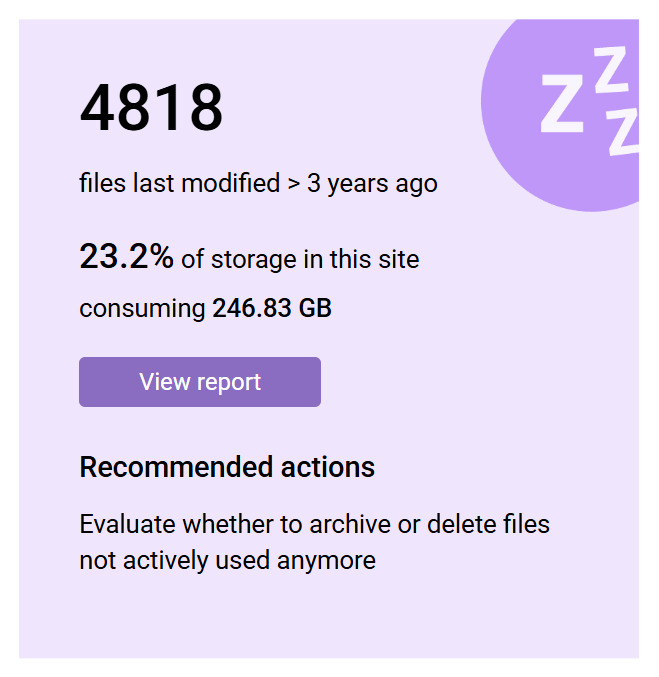
Inactive files report tile showing a count and storage consumed
Trim and archive button with a cursor

Archive inactive files

An active site isn't necessarily active content. Many sites hold files nobody has opened in years.

SProbot trims their versions, then moves them to Microsoft 365 Archive at $0.05/GB/month, charged only for archived data above your quota.

Archived files stay in scope of their retention policies, and there is no reactivation charge. Cleanup recommendations show how much each site will save before you run anything.

Safe by design

Retention policies and holds block version trimming, so versions you're required to keep stay put.

Archiving works fully with retention, and every job is recorded in the activity history.
‍

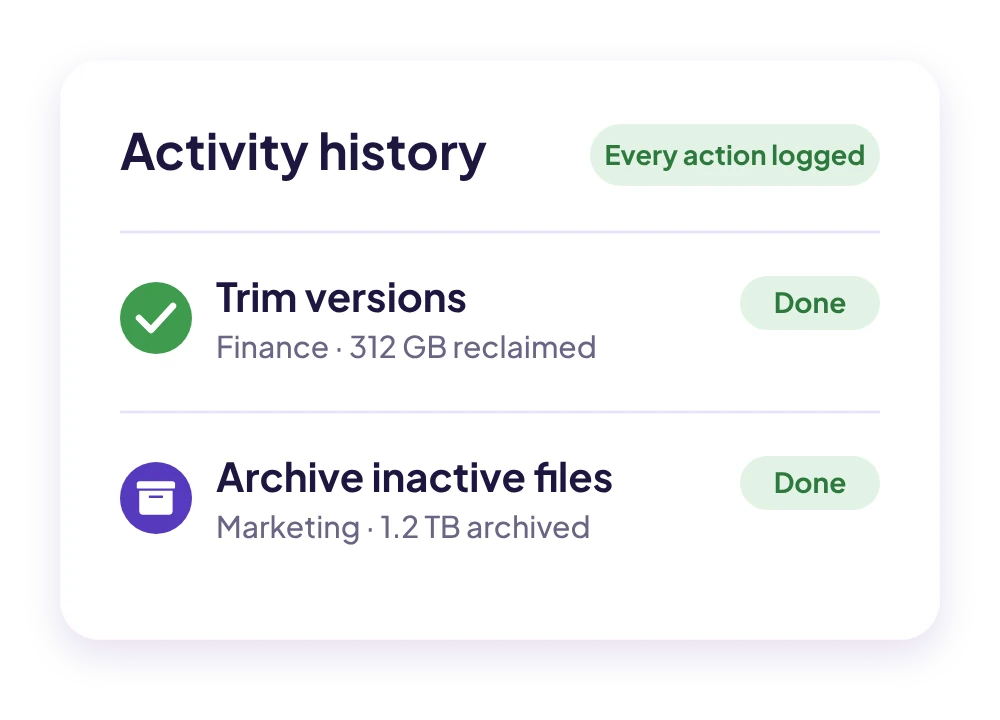
SProbot activity history showing completed trimming and archiving jobs

See SProbot find and clean up storage in 30 minutes

We’ll walk you through the savings reports and bulk cleanup, and answer your questions.

Book a demo