Crawl your tenant with SProbot
SProbot automatically indexes and crawls the SharePoint sites and teams on your tenant to make it possible for them to be reported on, assessment by AI, and cleaned up.
When you connect to your tenant, it will automatically start indexing daily, and individual sites will be crawled over a longer period of time.
You can see the status of both processes in the Crawl & Assess screen.

What is the index?
The index runs automatically provides up-to-date (within 36-72 hours) information on:
- Storage, file count and activity metrics
- Security configurations
- Owners and members
- Guest users
What is the crawl?
The crawl runs over a longer period of time and analyzes individual items to get detailed information about:
- Large active files
- Inactive files
- Versions
You do not need to take any action for either of these processes, they are designed to run automatically without input from you.
Note: Sharing links are not automatically crawled for, they are retrieved on demand for specific sites.
Which sites are crawled first?
The processing sequence is by size ascending, so smallest sites are crawled first.
How long does it take for my tenant to be crawled?
First crawl during the trial period
When you start using SProbot for the first time in trial mode, the crawl processes ~8TB/week until the trial expires. We'll send you notifications at two stages of the process:
- When the first 5 sites containing actionable content (inactive files, trimmable versions of active large files) have been found.
- When the crawl completes, we'll send you a summary of the total potential savings in the tenant based on all sites which contain actionable content.
During the first crawl, you'll see counts like those for large and inactive files in the Health Check and on the Dashboard gradually increase as files are discovered.
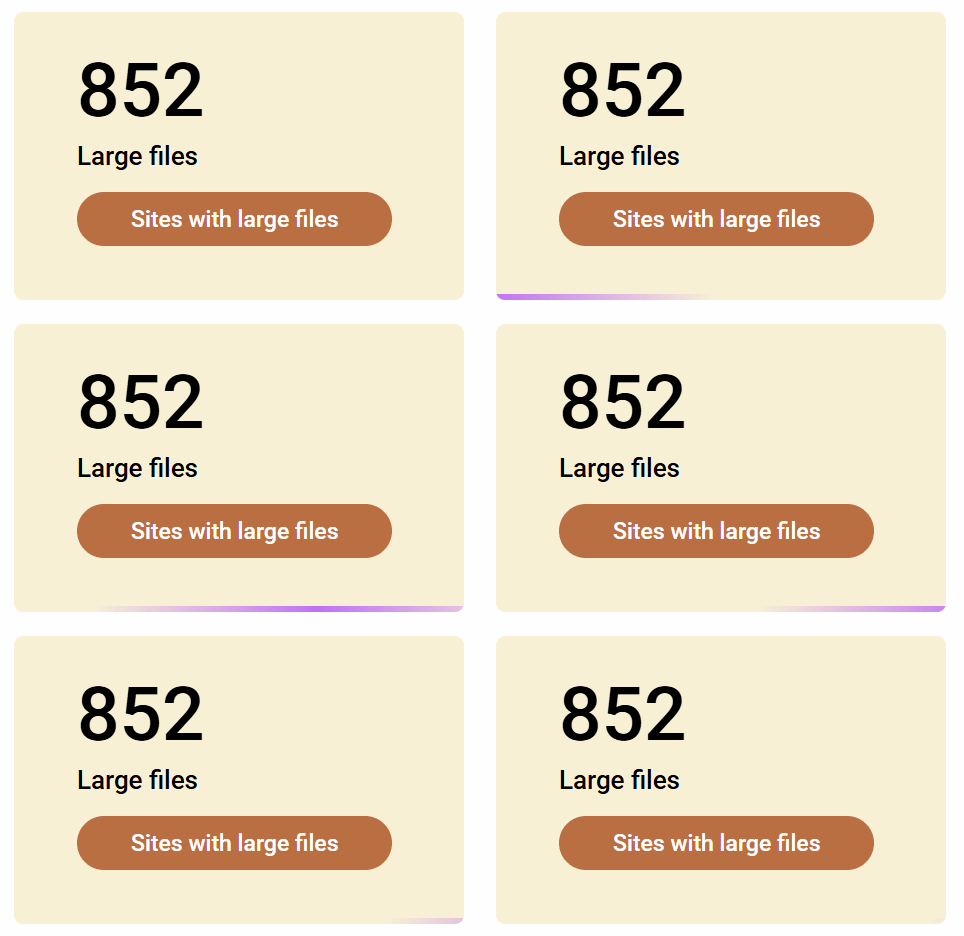
Your tenant is crawled only once while in trial mode. Crawls run continously on tenants with paid subscriptions.
Will my entire tenant be crawled during the trial?
The crawl processes ~8TB/week. If your tenant's storage consumption is lower than 15TB, it is likely you'll see full results within the trial. Please contact us if you'd like to discuss extending your trial to include a larger portion of your content.
During the trial, you'll also only see detailed data for the first 5 sites found to contain actionable content, the rest of the sites will be obscured.
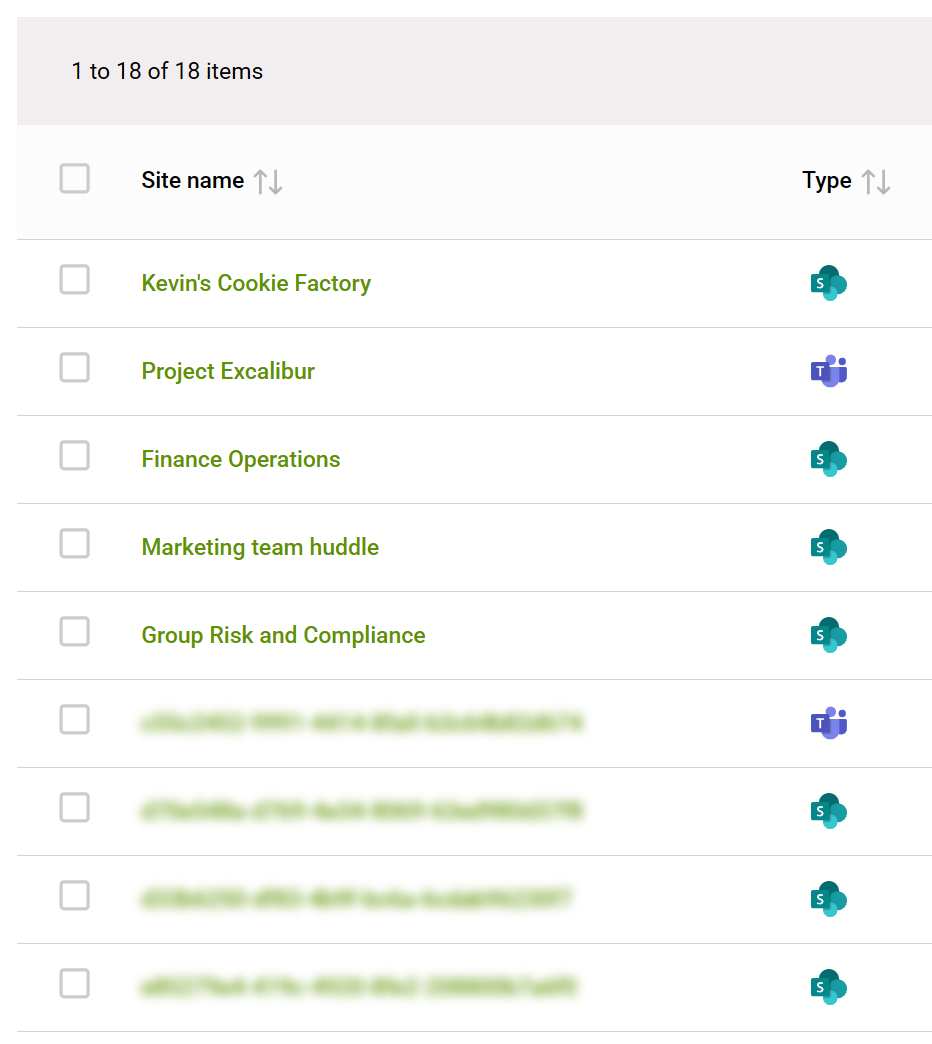
Subsequent crawls for paid subscriptions.
After the first crawl, subsequent runs only process sites which have changed since the last run, and only files within those sites which have been modified. This means that subsequent runs complete significantly faster.
How do I see when last a site was crawled?
If you have a paid subscription, you can see the last crawl date for a specific workspace in the Cleanup > Search screen, or within the workspace itself.

If a workspace is currently being crawled, you'll see the orange crawl indicator in the search list.

You'll also see it within the info tiles for reports which are dependent on crawl data.