

Answer in brief
A SharePoint cleanup tool should do far more than identify large files. The most useful solutions help you find inactive sites, version-heavy files, inactive content, storage hotspots and ownership gaps while providing the reporting and governance evidence needed before taking action. The best platforms support review workflows, exports and audit trails rather than encouraging unmanaged deletion.
Key evaluation areas include:
- Inactive site detection
- Large-file discovery
- Version-growth visibility
- Inactive-content reporting
- Ownership evidence
- Reporting exports
- Review workflows
- Auditability
- Prioritisation
- Measurable next actions
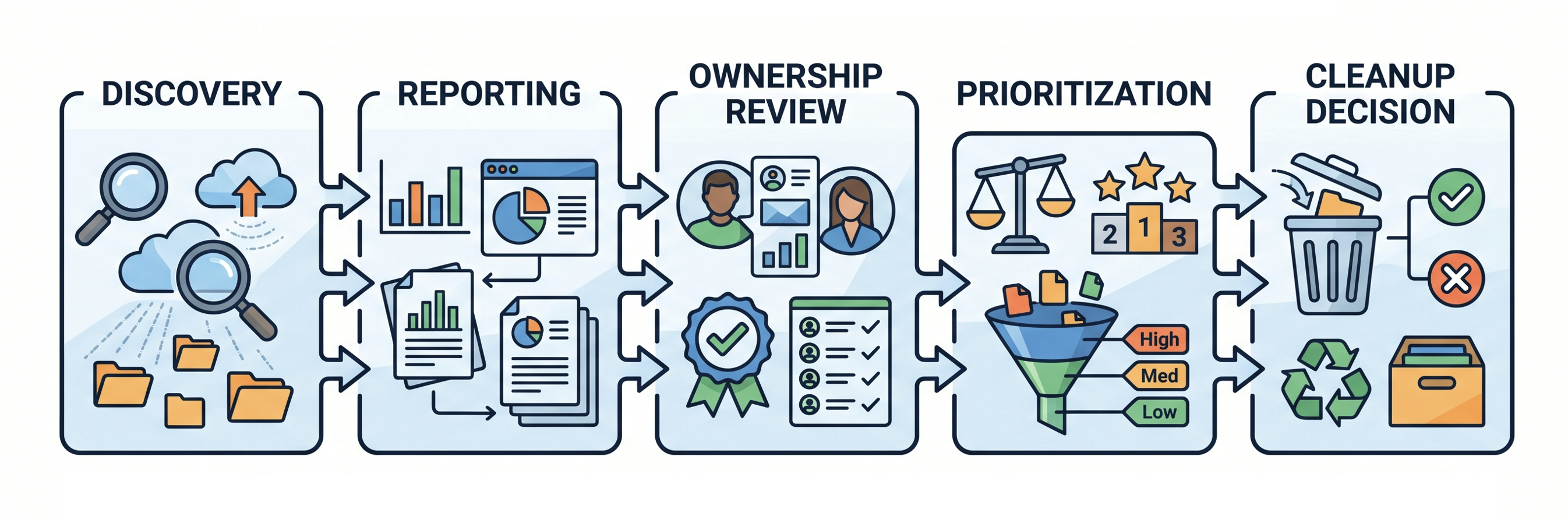
Early in the evaluation process, it helps to understand the broader cleanup workflow described in SharePoint cleanup checklist for IT admins.
Why is choosing the right cleanup tool difficult?
Many products claim to help with SharePoint cleanup, but the terminology often hides major differences in capability. Some tools focus on reporting only, while others provide workflows that help administrators identify, assess and prioritise storage-reduction opportunities across large Microsoft 365 environments.
A useful evaluation process focuses on evidence quality rather than feature counts. The goal is not simply finding content that could be removed. The goal is identifying content that legitimately deserves review.
Feature 1: Inactive site identification
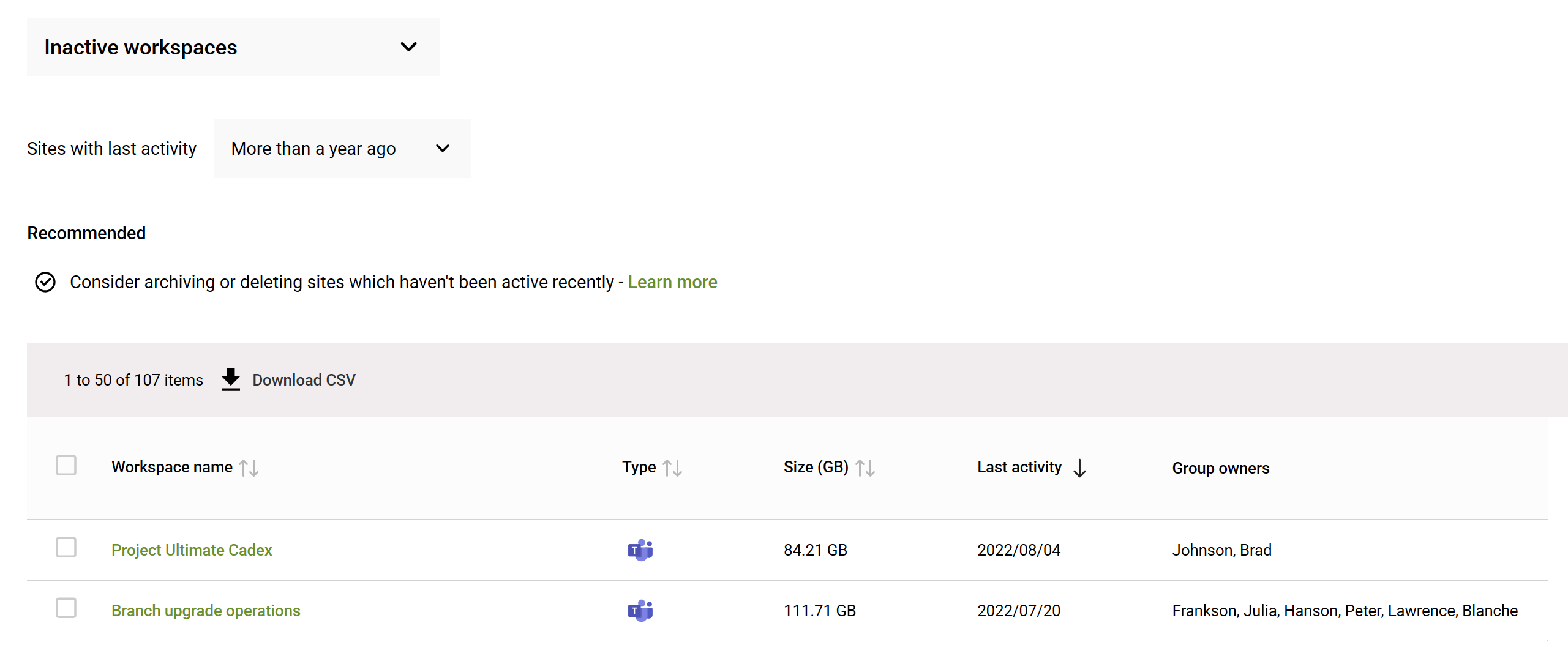
Inactive sites are often among the highest-value cleanup opportunities because storage consumption continues long after business activity has stopped.
Strong tools help you answer questions such as:
- Which sites have not been used recently?
- Who owns them?
- When was activity last recorded?
- How much storage is being consumed?
👉 Archive vs Delete: How to Clean Up Inactive SharePoint Sites
Feature 2: Large-file visibility
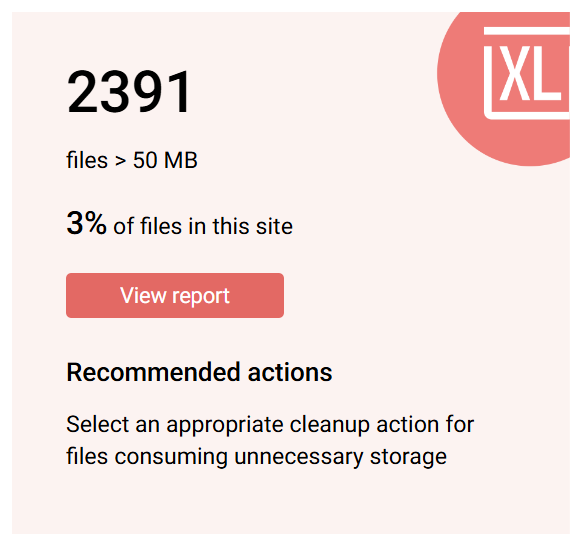
Large files are rarely a problem on their own. The challenge is understanding where large files exist, how much space they consume, whether they should be in SharePoint in the first place (some very large media or engineering files should not be), and whether they benefit from SharePoint's collaboration functionality.
Rather than displaying isolated file sizes, effective tools provide context around location, ownership, growth and storage impact.
Feature 3: Version history analysis
Version growth remains one of the most common reasons SharePoint storage expands unexpectedly. Without reporting, administrators often have little visibility into which libraries are generating the largest version footprint.
An evaluation should confirm whether the tool can:
- Identify version-heavy files
- Surface high-consumption libraries
- Support investigation before changes occur
- Export evidence for review
🔗 If you're ready to take action, have a look at How to trim versions to increase available SharePoint storage.
Feature 4: Inactive file discovery
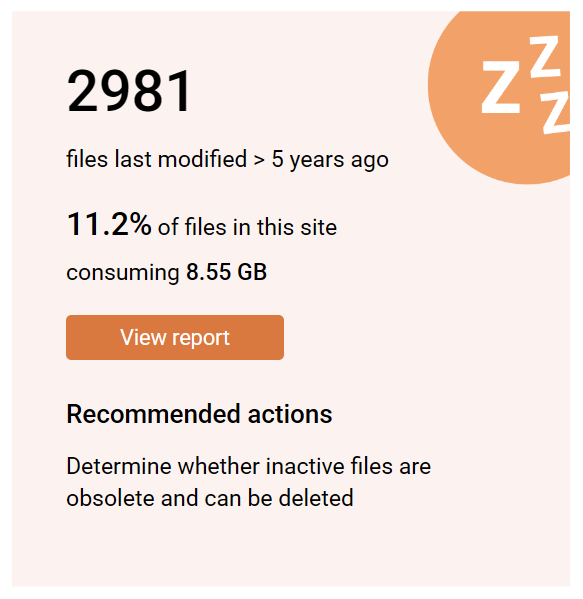
A mature cleanup programme requires visibility beyond site-level activity. Many environments contain significant quantities of content that has not been accessed or modified for extended periods.
The most valuable reporting combines inactivity indicators with ownership, location and storage-consumption context to support review decisions.
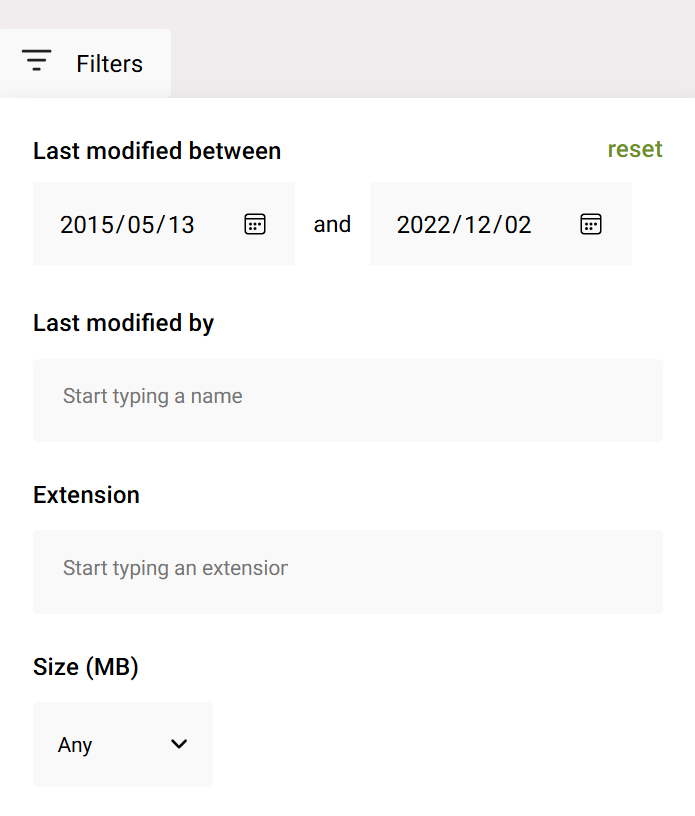
Feature 5: Flexible reporting filters
Reporting becomes far more useful when reviewers can focus on specific conditions rather than reviewing entire tenants.
Useful filtering capabilities include:
- Date ranges
- Specific sites
- Content ownership
- Version-related metrics
Feature 6: Export and evidence generation
Cleanup decisions frequently involve administrators, governance teams, business owners and compliance stakeholders. Reporting therefore needs to travel beyond the product interface.
Exports should support investigation, review and communication rather than acting as static snapshots.

Feature 7: Review workflows
The strongest cleanup tools help organisations create repeatable, evidence-based review processes.
Instead of asking technical teams to make every decision, workflows should support conversations with content owners and business stakeholders before actions occur.
A practical evaluation question is whether the tool helps move findings into structured review activities.
Feature 8: Ownership visibility
Storage reports become significantly more actionable when ownership information is available.
When inactive sites, large files or version-heavy libraries can be associated with responsible business owners, remediation conversations become faster and more defensible.
Feature 9: Auditability and governance support
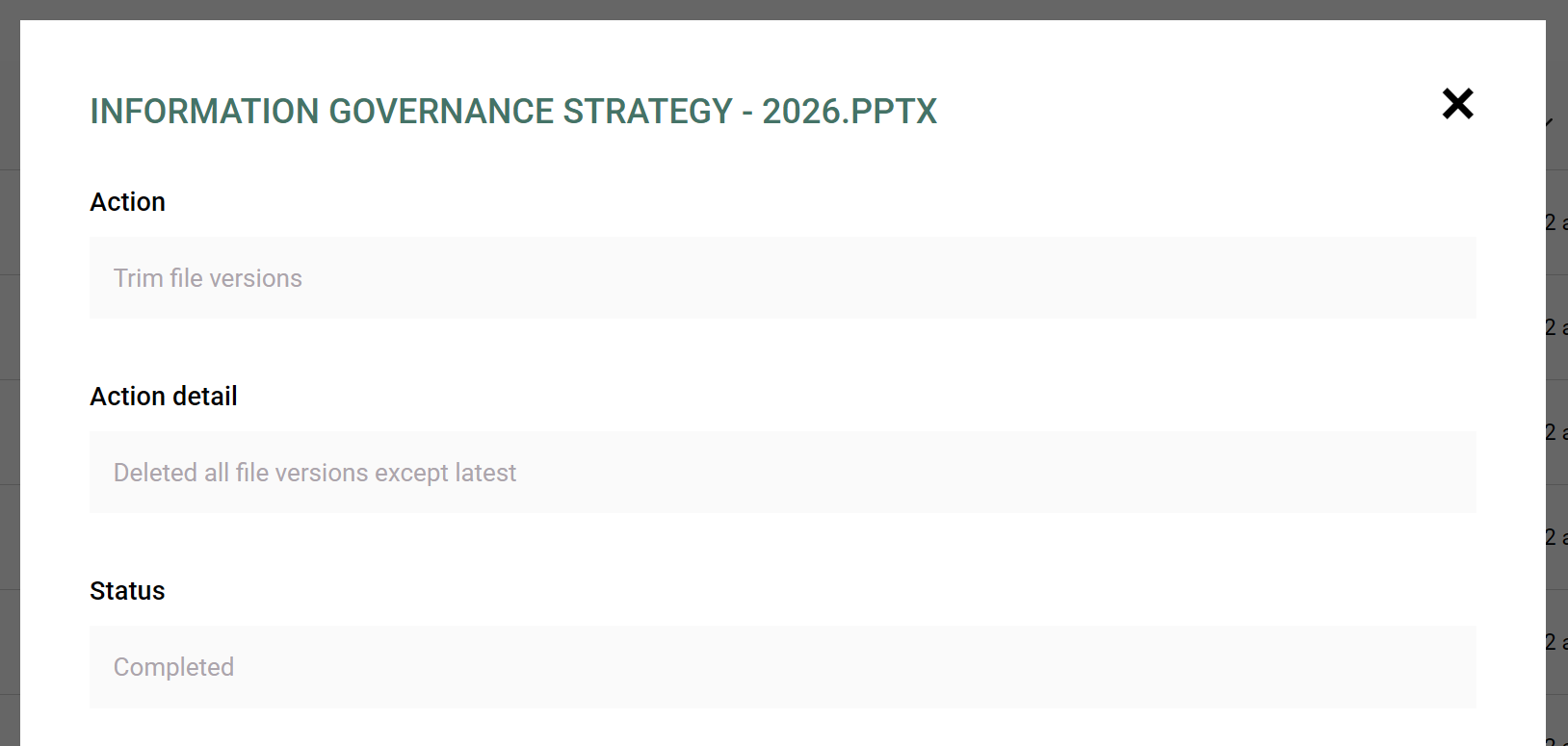
Cleanup activities often attract scrutiny because administrators need to demonstrate how recommendations were reached.
For that reason, auditability is not simply a governance feature. It is an operational requirement.
Consider whether the tool records:
- Review decisions
- Evidence sources
- Recommendation history
- Investigation outputs
- Exportable documentation
Feature 10: Action-oriented prioritisation
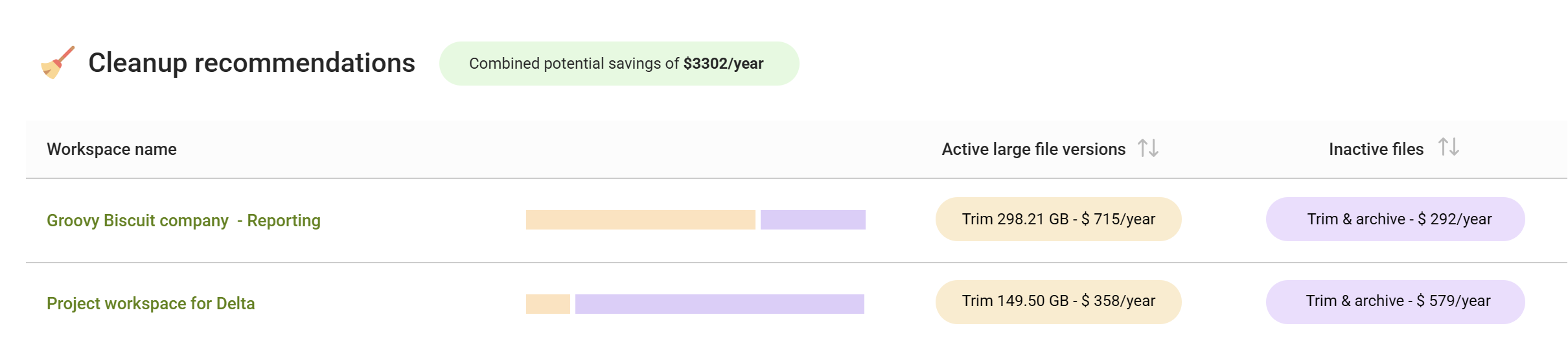
The most important feature frequently receives the least attention. Many products generate reports, but what's critical is whether it can help you prioritise where effort should begin.
High-value platforms help answer questions such as:
- Which sites present the greatest storage opportunity?
- Which inactivity files should be reviewed first?
- Where is version growth concentrated?
- Which recommendations are likely to deliver measurable capacity recovery?
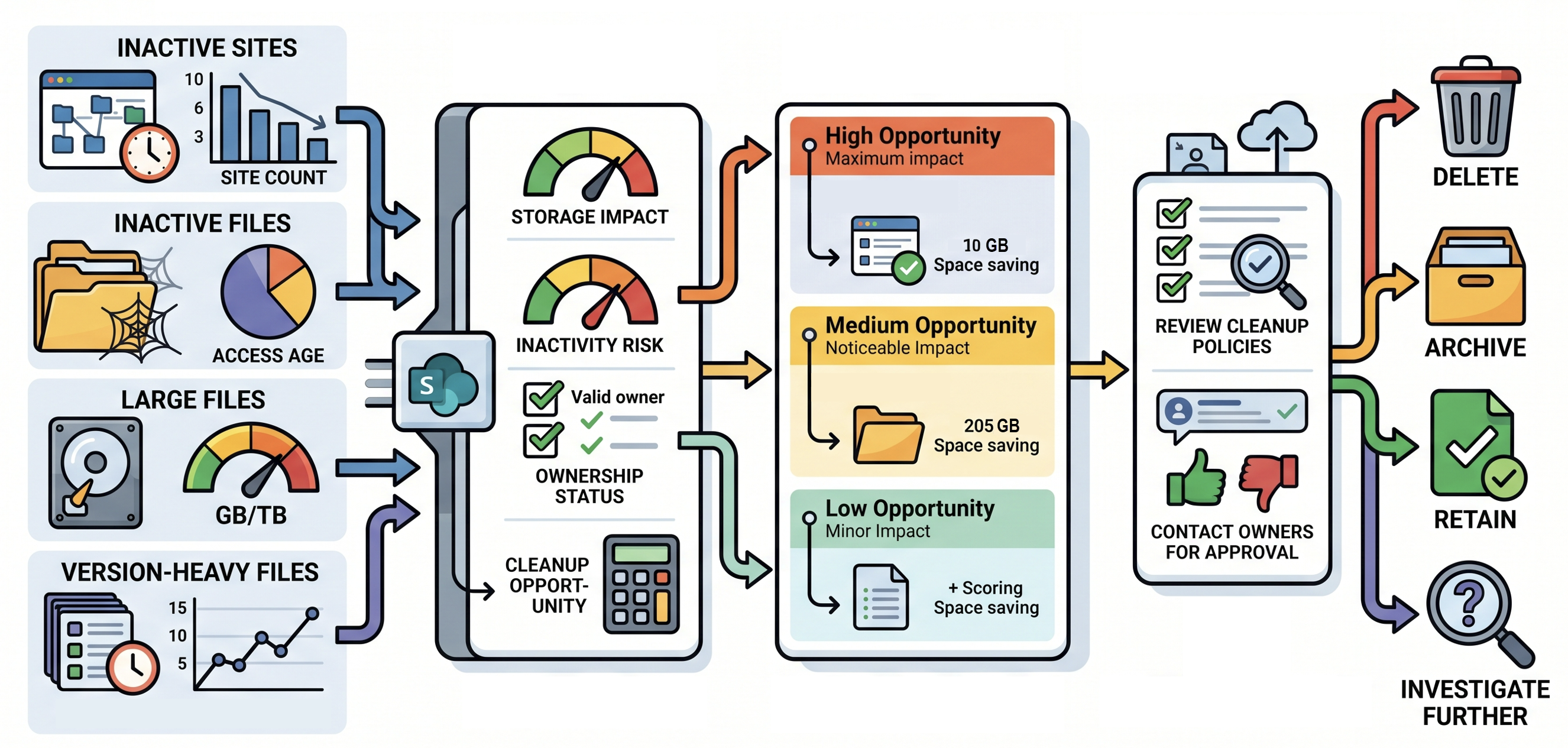
Where does SProbot fit?
Many SharePoint administrators already have access to native reporting. The challenge is consolidating tenant-wide visibility into practical actions.
SProbot is most useful when you need visibility into inactive sites, inactive files, version-heavy files, reporting outputs and storage cleanup opportunities that can be prioritised and reviewed before action is taken.
To see this in action: How to get a SharePoint Online Health Check
Conclusion
The best SharePoint cleanup tools do not simply identify large files or storage consumers. They provide the evidence, reporting and prioritisation framework needed to support responsible decision-making.
When assessing available options, focus on inactive sites, version history growth, inactive content, ownership visibility, auditability and review workflows. Those features help transform isolated reports into an ongoing storage-management process.
FAQ
What is a SharePoint cleanup tool?
A SharePoint cleanup tool helps identify content, sites or storage patterns that may require review, including inactive sites, inactive files, version-heavy files and storage hotspots.
Can a cleanup tool automatically delete SharePoint content?
Some tools provide automation capabilities, but deletion decisions should always consider ownership, policy requirements and business value before action is taken.
What is the most important cleanup feature?
Prioritisation is often the most valuable capability because it helps organisations focus effort where the greatest potential benefit exists.
Should I use native SharePoint reporting or a third-party tool?
That depends on your reporting requirements. Native reporting may be sufficient for some scenarios, while larger environments often require broader visibility, workflow support and consolidation.
How do I justify a SharePoint cleanup initiative?
The strongest business cases rely on evidence. Storage growth, inactive content, version expansion and ownership gaps provide measurable starting points for discussions.