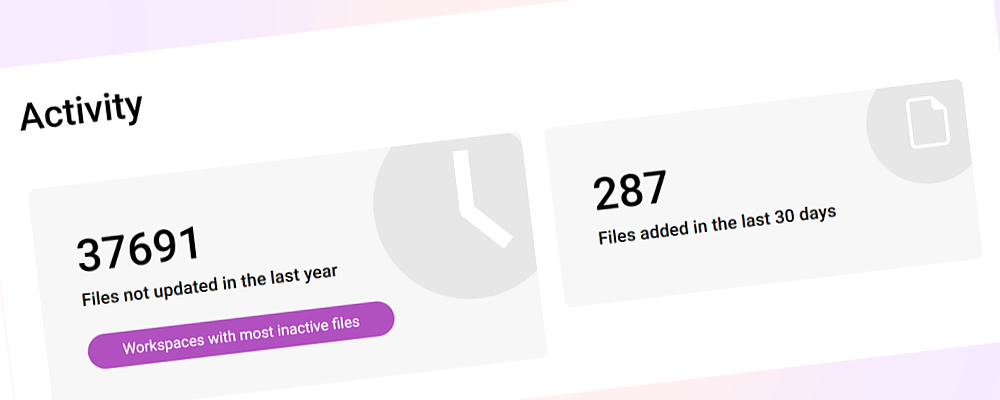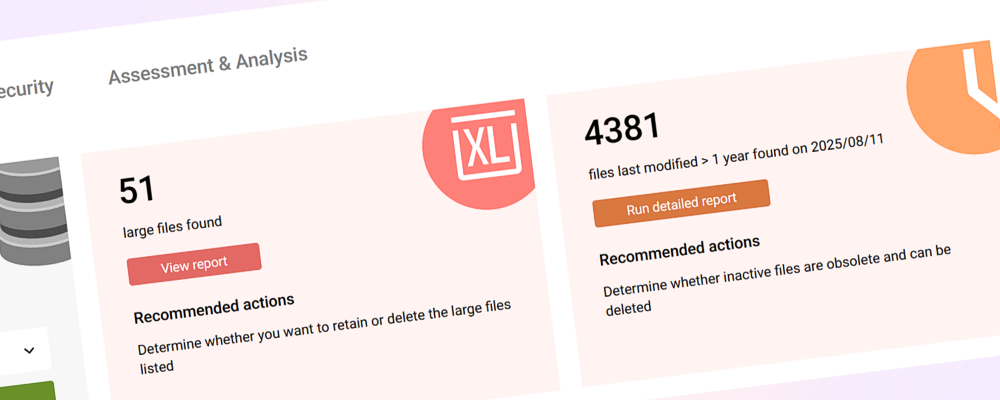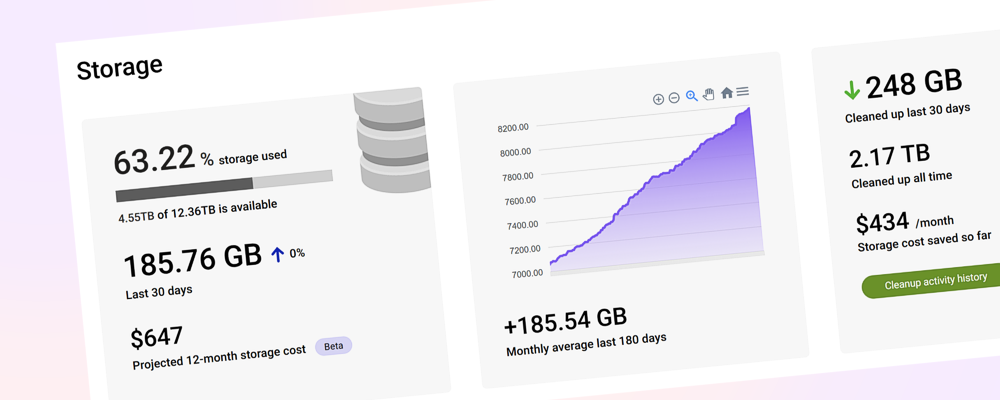


We're very excited to introduce SProbot's new Dashboard experience with Cleanup recommendations, combined with bulk actioning and file-level archiving support.
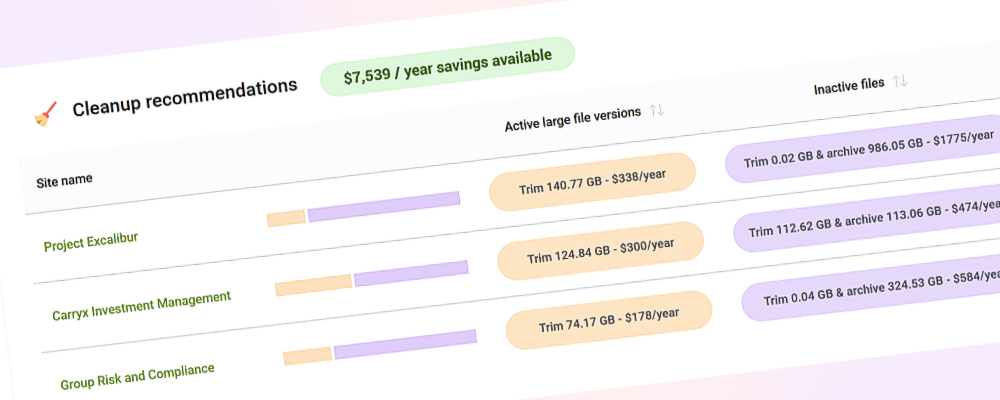
You can now see and action all potential savings across your entire tenant in a single view, taking the time needed to reclaim storage from hours or days to just a few minutes.
💰See all potential savings in a single list
You can now see how much storage is consumed by other than latest versions across these file types on the Dashboard:
- Active large (>50MB) files
- Inactive files of all sizes
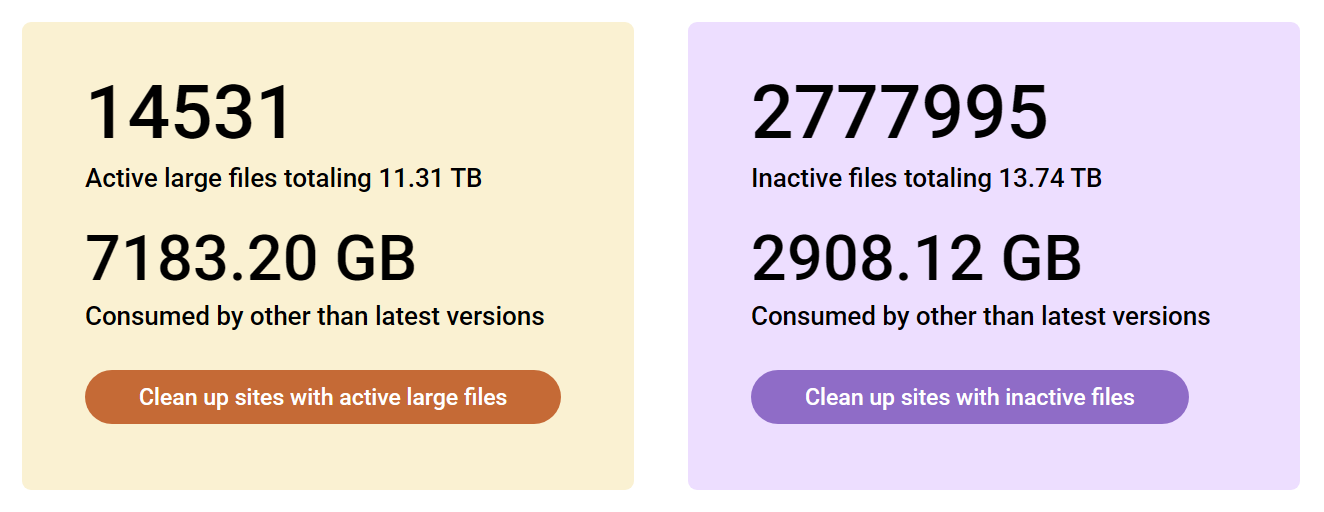
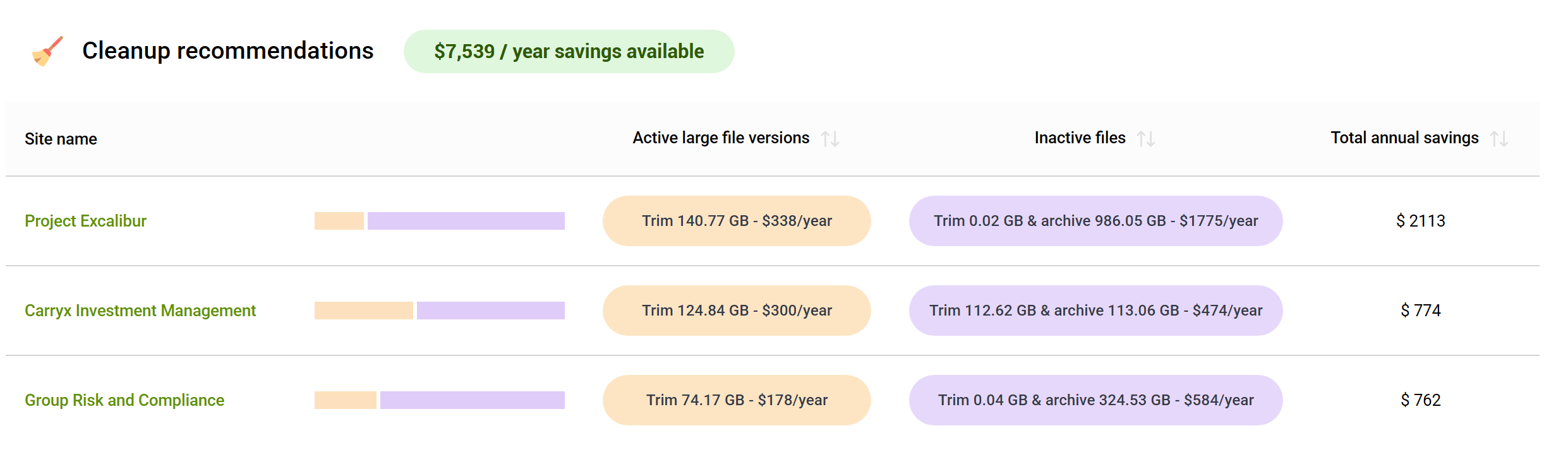
Scroll down to Cleanup recommendations and you'll see how much can be saved by version trimming and archiving in all sites that contain either active large files with excess versions, or inactive files.
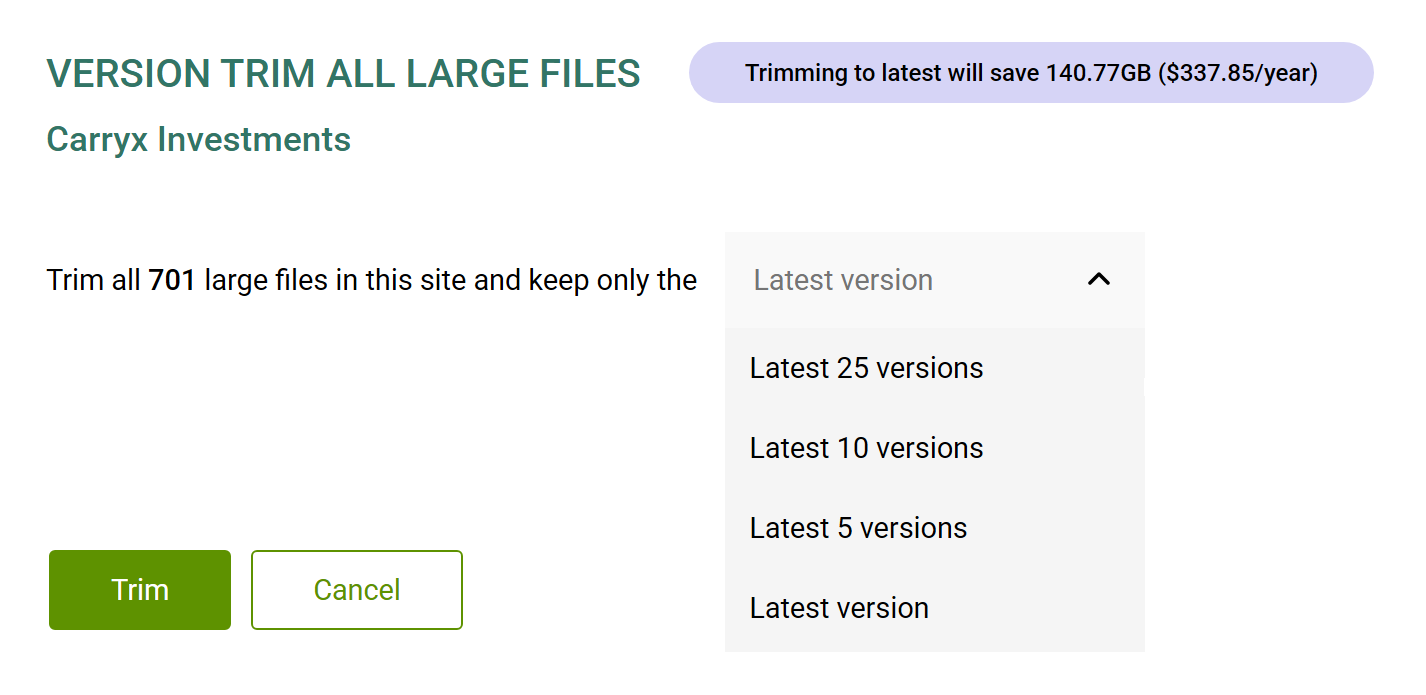
✂️ Bulk trim all active large file versions in a site
You can version trim all active large files in a site with just a few clicks.
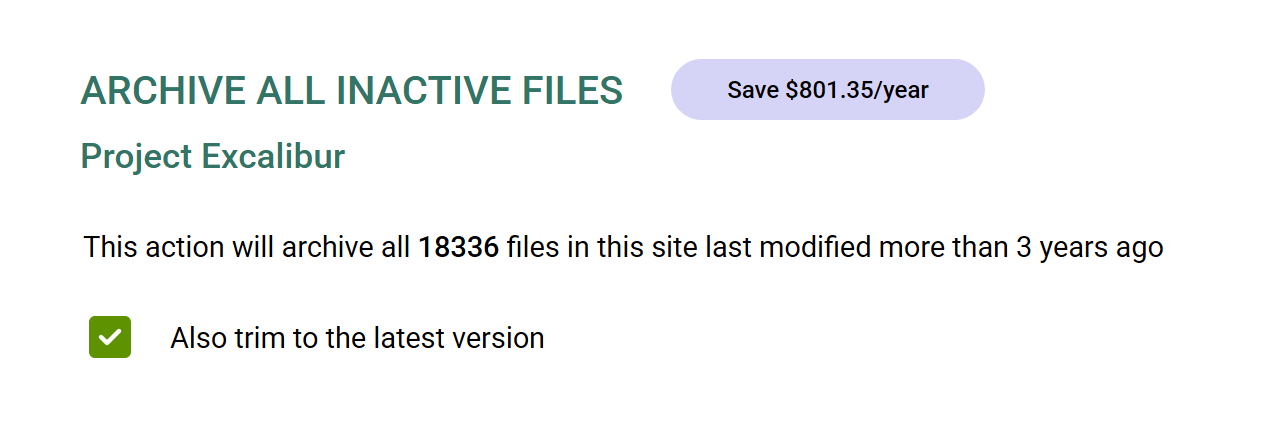
💤 Archive all inactive files in a site
SProbot now supports file-level archiving enabling you to archive all inactive files in a site, with the option to trim to the latest version before doing so.
💤 See the age of content on your tenant
In the Health Check, you can now get insight into just how old the files across all sites in your tenant are.