


Answer in brief
Many SharePoint administrators still approach archiving as though it's a permanent decision that requires careful review of every file. That mindset made sense when archived content became difficult to access.
File-level archiving changes the discussion. If archived files remain discoverable and can be reactivated when needed, the biggest challenge is no longer deciding whether a file is safe to archive. It's finding inactive files in the first place. In most environments, you should:
- Focus on identifying large swaths of inactive content rather than debating individual files
- Avoid paying active-storage costs for content that no longer supports active work
The archive debate is changing
Until recently, moving content into an archive site often meant introducing friction. Users might lose visibility of files, retrieval could involve an administrator, and restoring content took longer than anyone wanted because the entire site needed to be activated first.
With Microsoft 365 file-level archiving, much of that concern starts to fade away. An archived file is no longer disappearing into a black box. Instead, it's moving to a different storage tier while remaining readily available should somebody genuinely need it again (with an easy Reactivate button as illustrated below).
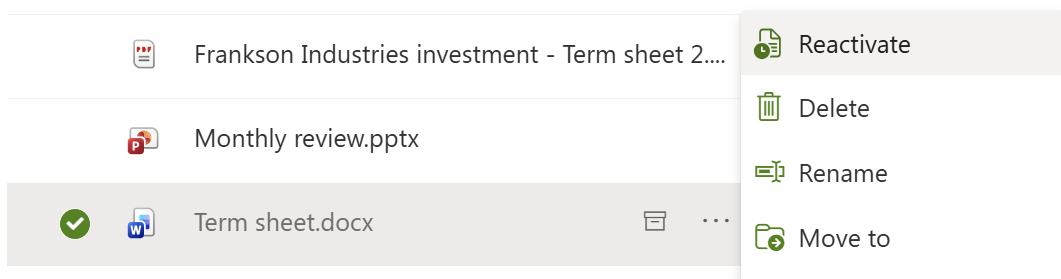
That changes the question from:
"Is this file definitely safe to archive?"
to:
"Is there a good reason to keep this file in active storage?"
For many inactive files, the answer is no.
Most organisations have far more archive opportunities than they realise
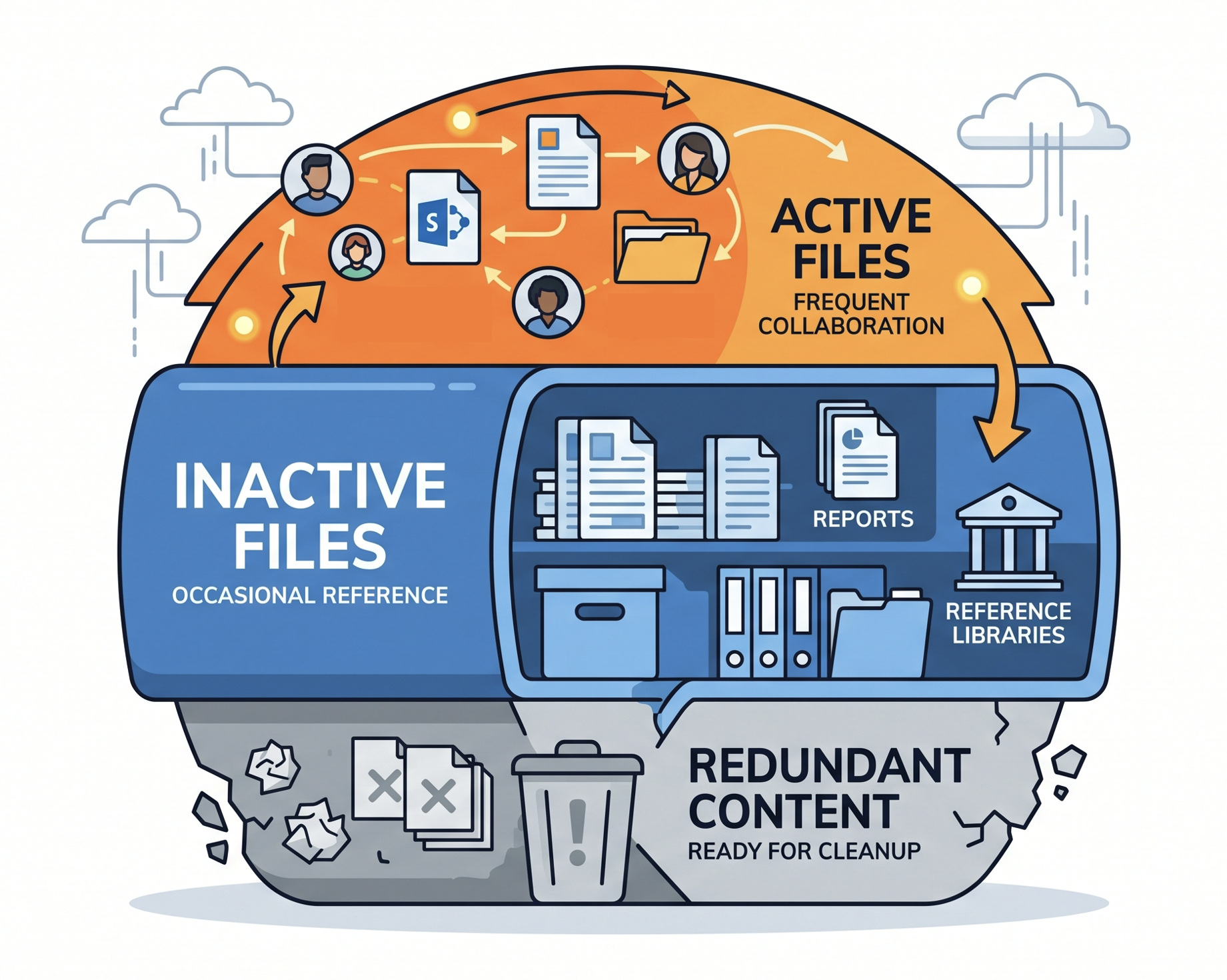
The SProbot team regularly sees tenants that contain years of completed projects, historical reporting, closed procurement exercises and departmental reference material. Nobody wants these files deleted, and in many cases they absolutely should be retained.
The problem is that retention and active storage are often treated as the same thing.
A project that finished three years ago may still contain useful documentation. That does not automatically mean those files need to remain on the same storage tier as content being edited every day.
The real challenge is finding inactive files
Most administrators already understand what an archive candidate looks like. The hard part is identifying those candidates across thousands of sites, libraries and millions of files.
Native Microsoft 365 reporting can help, but it was never designed to make large-scale archive candidate identification easy. Activity data is spread across multiple reports, file-level visibility is limited, and understanding what is genuinely inactive often requires pulling information together from several places.
That leads many organisations into one of two traps.
Either they do nothing because the task feels too large, or they rely on broad assumptions and age-based rules without understanding what is actually happening in the environment.
Archive candidates are often hiding inside active sites
One reason inactive content is difficult to manage is that it rarely sits in neatly labelled repositories waiting to be archived.
The SProbot team often finds that the largest archive opportunities are buried inside sites that are still active. A department may continue using a SharePoint site every day, while thousands of files inside that site haven't been opened, edited or shared for years. The site remains relevant, so it never appears on an inactive-site report, but much of its content quietly transitions into reference material over time.
This becomes more common as sites mature. New projects are added, teams change, processes evolve, and older files accumulate alongside content that is still actively used. From the outside, the site looks healthy. Looking more closely often reveals a different story.
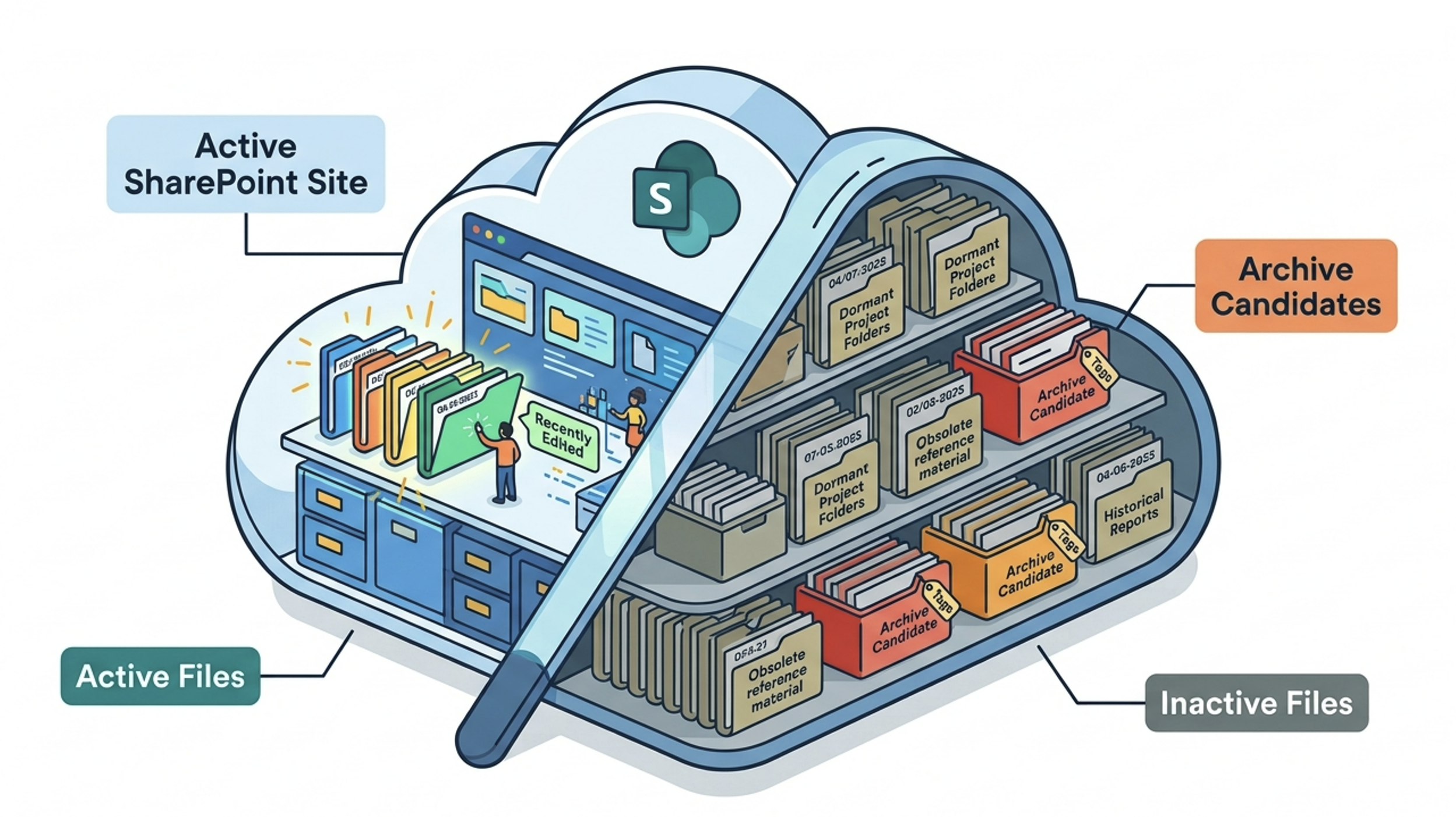
That's one reason file-level archiving is so interesting. The challenge isn't always identifying inactive sites. It's identifying inactive files that are hidden within otherwise active sites and libraries.
Native Microsoft 365 reports can help to identify hidden inactive content, but building a complete picture usually means pulling data from multiple places and reviewing it manually. That becomes difficult once you're dealing with hundreds of sites and large volumes of content.
🔗 For a technical guide, see Free up SharePoint storage by finding and removing inactive files
Archive before you buy more storage
Many organisations buy additional storage without understanding how much inactive content already exists in their environment.
The SProbot team generally recommends looking for archive opportunities before increasing storage capacity. In many cases, significant volumes of content have quietly transitioned from active work to historical reference material years ago.
If that content can be archived with minimal disruption and straightforward reactivation, it makes sense to identify those opportunities before expanding storage unnecessarily.
Conclusion
The most interesting thing about file-level archiving is not the technology itself. It's how low-risk it is.
Once archived files remain discoverable and reactivation becomes straightforward, the archive decision becomes much less intimidating than it used to be. Rather than spending weeks debating individual files, many organisations can focus on identifying genuinely inactive content and applying a reasonable level of review before archiving.
For most tenants, the hardest part is no longer deciding what to archive. It's finding inactive files in the first place.
FAQ
Are archived SharePoint files still accessible?
Yes, SharePoint file-level archiving is designed to reduce friction and make archived content much easier to access and reactivate than traditional archive approaches.
What's the difference between deleting and archiving SharePoint files?
Deleting removes content. Archiving retains content while moving it out of active storage, making it a useful option for files that still have value but little activity.
Why is it difficult to identify inactive files in SharePoint?
Large Microsoft 365 environments often contain thousands of sites and millions of files. Activity information is spread across multiple reporting sources, making it difficult to identify archive candidates consistently at scale.
What types of content make good archive candidates?
Completed projects, historical reporting repositories, dormant departmental libraries and other content that still has value but no longer supports active collaboration are usually good places to start.